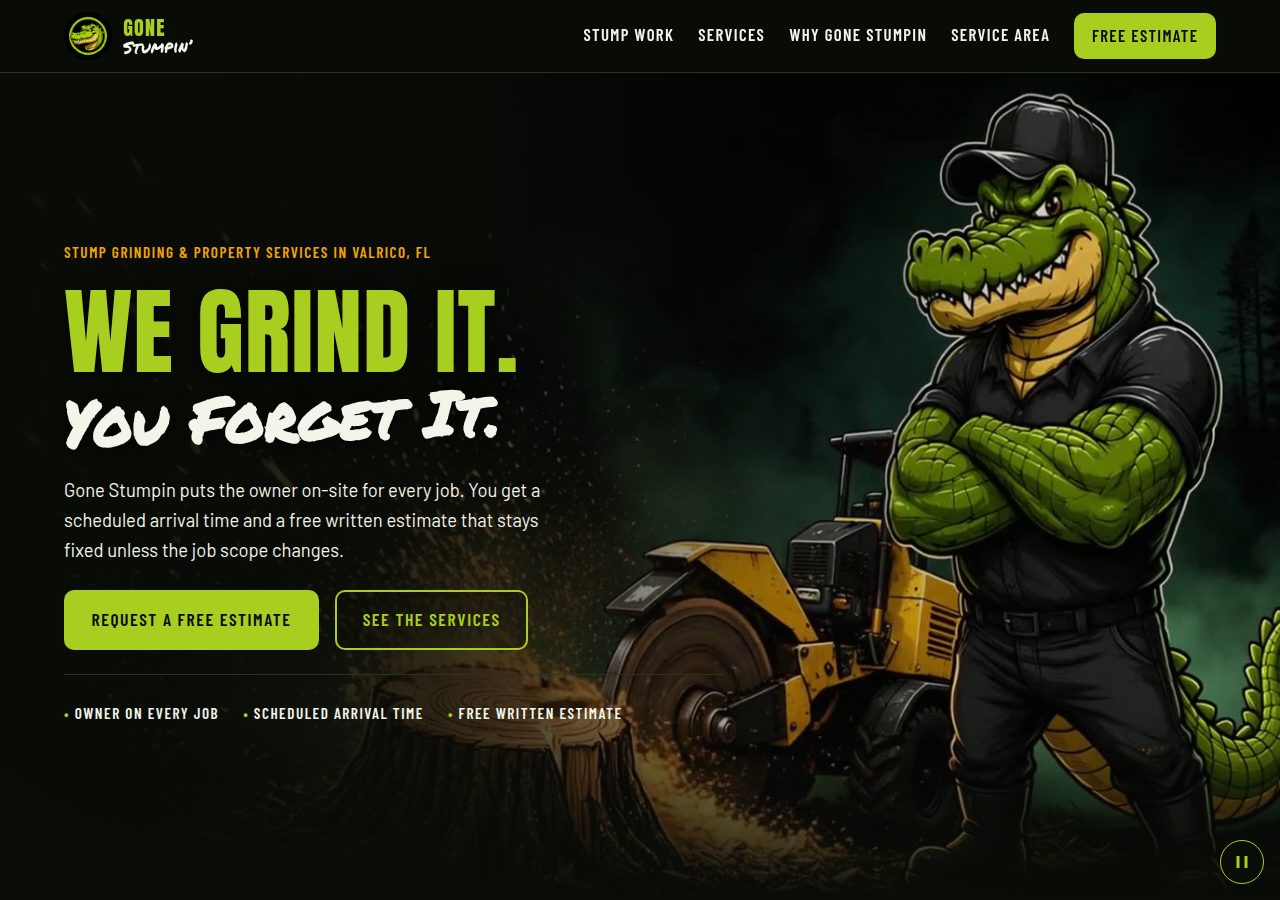
Direction 1
Bold & straightforward
A clear, direct presentation. The alligator identity, bold color, a moving opening scene, and gentle section animations give your services a strong presence.
View Direction 1 Get Amplified MarketingPrepared for Gone Stumpin
Gone StumpinWebsite design selectionSeptember 13th, 2026
Your website build is free. Explore the four directions below and choose what feels right for Gone Stumpin. Any of the four is a good choice. Our recommendation is Direction 4.
Explore the four directionsView 1 → 4 in order. Try each on desktop and mobile.
Each direction is a one-page render to help you choose the look and experience. Once you choose a direction, we’ll complete the full website within 48 hours and make it live on your GoDaddy domain. The preview forms do not send inquiries.
Start with Direction 1 and see how the ideas progress.
Direction 1
A clear, direct presentation. The alligator identity, bold color, a moving opening scene, and gentle section animations give your services a strong presence.
View Direction 1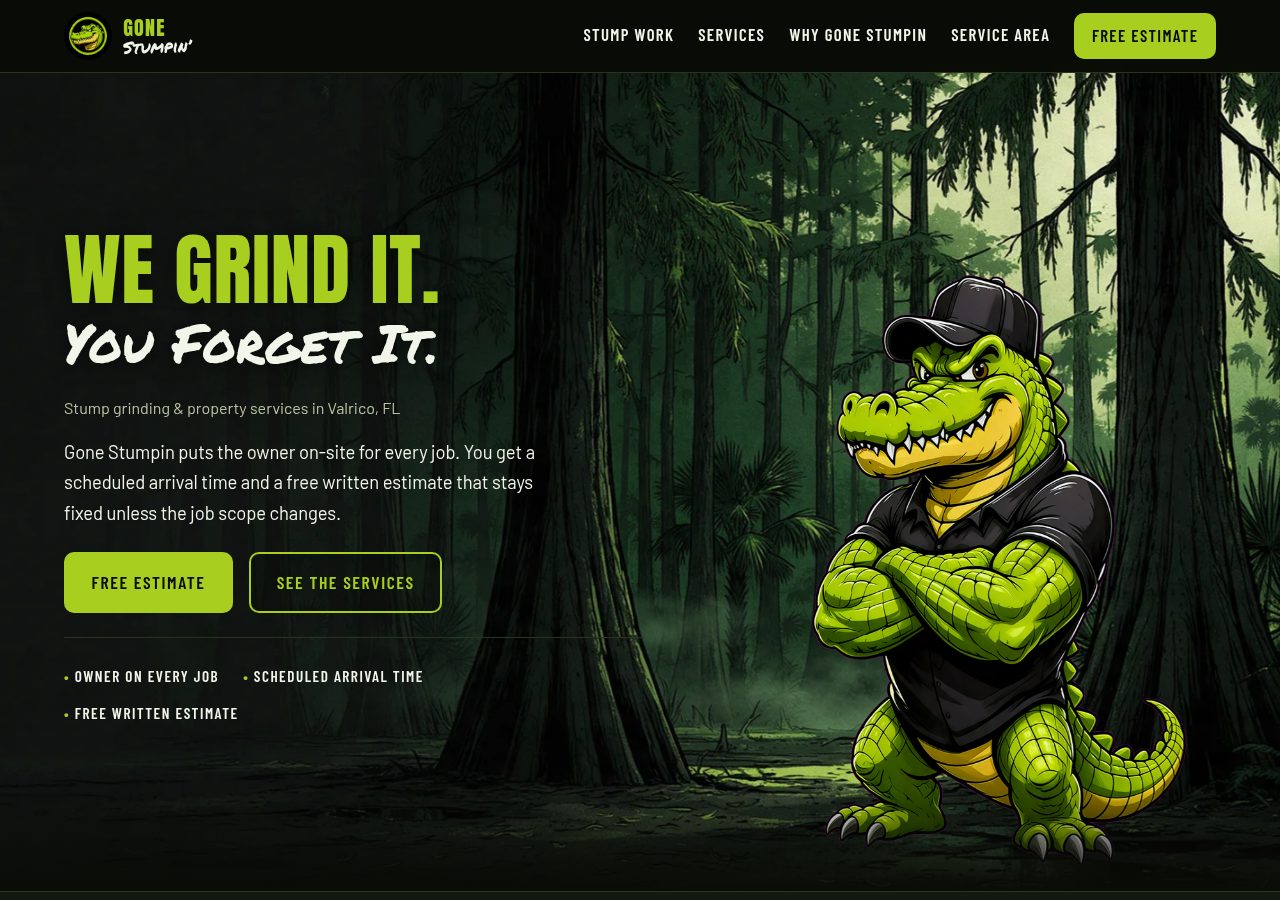
Direction 2
A more animated experience. The alligator and Florida landscape move in layers as you scroll, with an interactive section exploring the finish after stump removal.
View Direction 2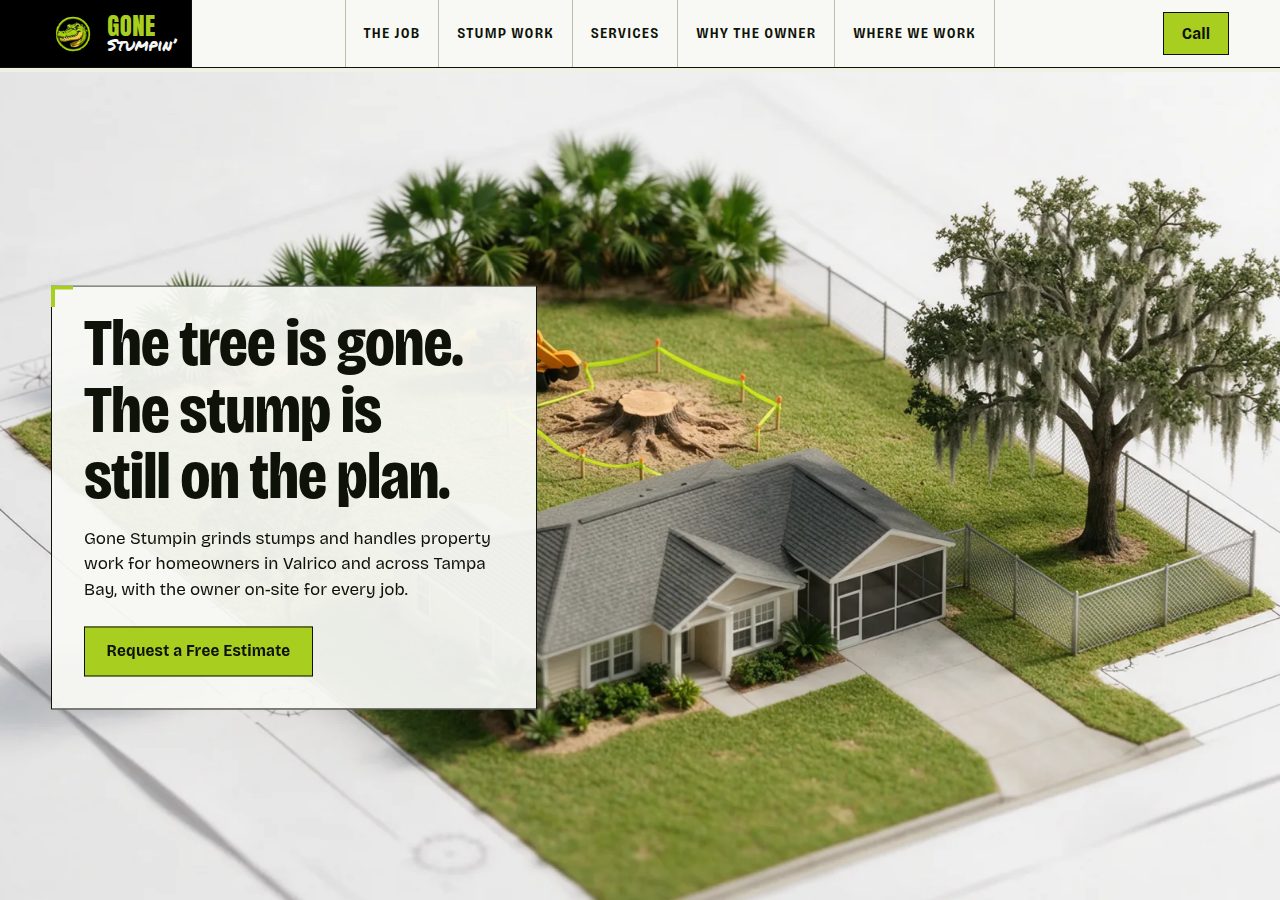
Direction 3
A lighter, illustrated approach. A journey through the property, a survey-sheet layout, and purposeful scroll animations bring the work into focus.
View Direction 3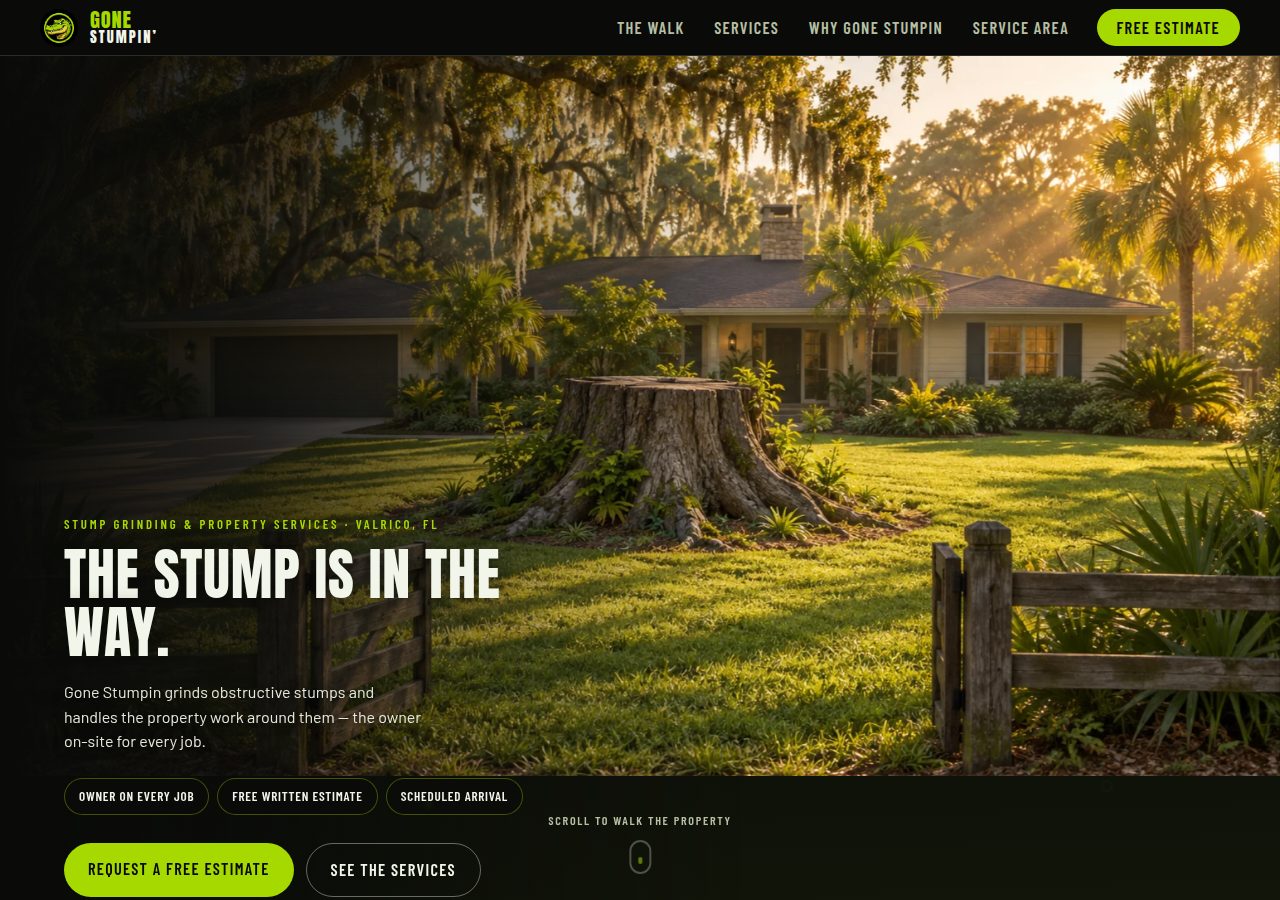
Direction 4 Our choice
Our recommended direction for Gone Stumpin. Bold black and lime, the alligator identity, and an immersive scroll journey give the site a distinctive presence.
View Direction 4View Directions 1, 2, 3, and 4 in order so you can see the progression. Open and scroll through every direction on both desktop and mobile. Then reply with your favorite direction and anything you’d like adjusted.
Choose whichever feels right to you. Direction 4 is our choice, but we’re happy to build from any of the four. We can also mix and match just about anything: colors, layouts, sections, imagery, and animation. Tell us what you like from each.